
TL;DR: Many businesses struggle to gain local search visibility because they rely on duplicate content and weak site architecture. First, you must understand why your current city-specific landing pages fail to rank. Next, you need to apply robust local SEO fundamentals to fix them. Furthermore, you can leverage modern software to scale your efforts without losing quality. This guide breaks down exactly how you can correct common mistakes and capture more local search traffic.
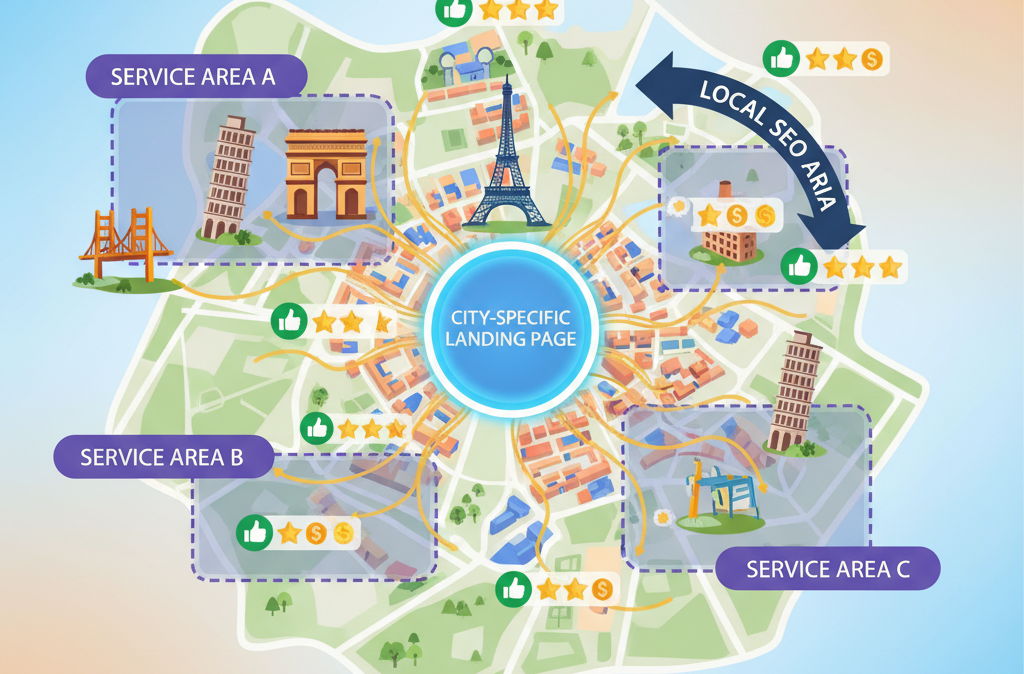
Why Your City-Specific Landing Pages Fail to Drive Traffic
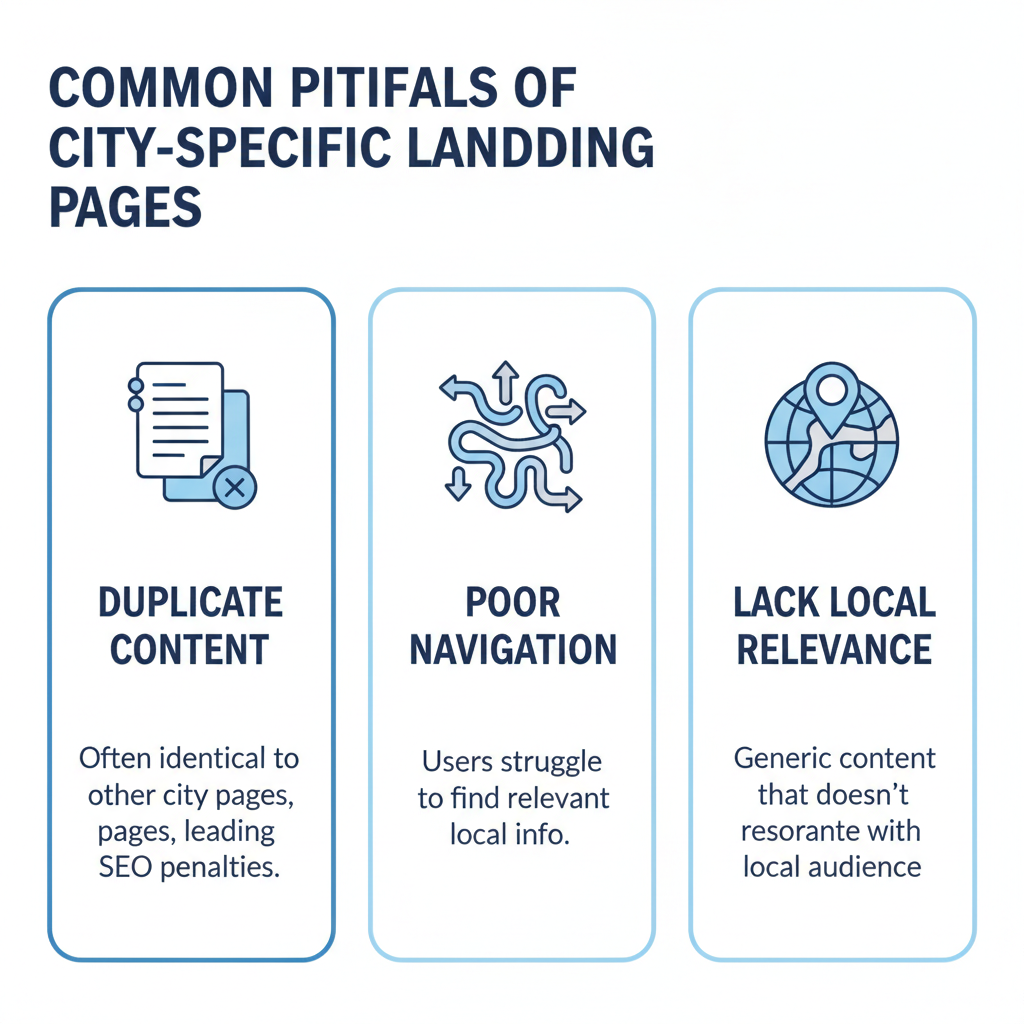
You invest significant time into building out local content. However, your city-specific landing pages still sit on page four of the search results. Why does this happen? Usually, search engines see your pages as unhelpful or redundant. Search algorithms reward unique, highly relevant local information. If you simply swap out the city name on a master template, search engines will quickly identify the pattern. Consequently, they will ignore those pages entirely.
Additionally, poor technical foundations often destroy your rankings. For example, if you hide your local pages deep within your site hierarchy, search engine crawlers struggle to find them. Users and search engines alike need clear, intuitive navigation pathways. Therefore, you must link your local pages directly from your main menu or footer. When you implement proper local SEO strategies, you signal the importance of these pages to search algorithms.
The Danger of Thin Content
Many marketers ask, “how do I create city-specific landing pages?” Unfortunately, they often choose the easiest path. They write two paragraphs of generic text and paste it across fifty different URLs. Search engines categorize this as thin content. Thin content provides zero value to the reader. Instead, you must offer unique insights about each location. You should mention local landmarks, specific neighborhood challenges, or regional customer preferences.
Weak User Experience Signals
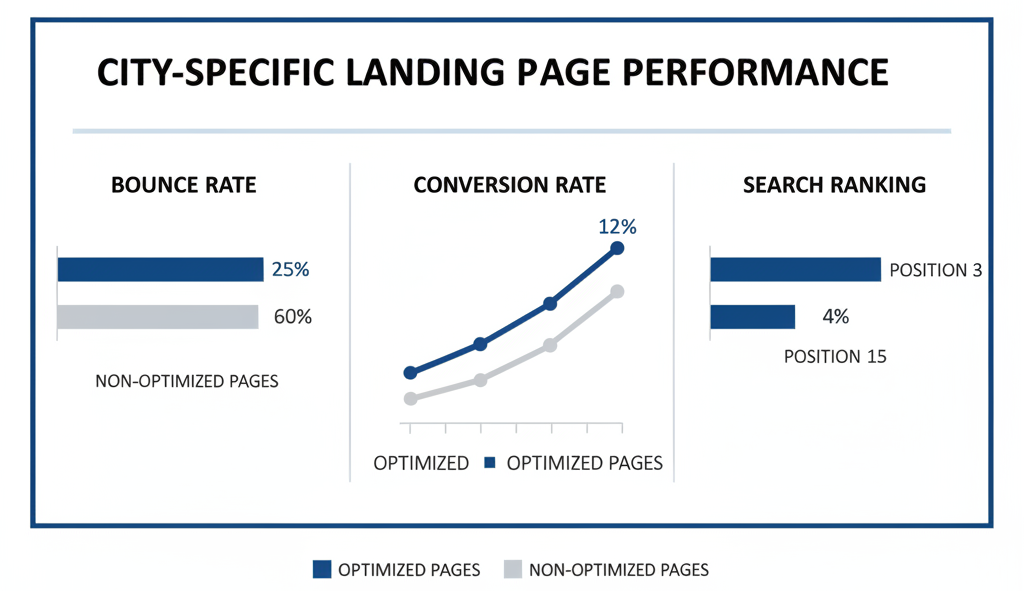
Search engines track how users interact with your site. If a visitor lands on your local page and bounces immediately, your rankings will drop. High bounce rates indicate a poor user experience. Therefore, you must design your pages to load fast and look great on mobile devices. According to guidelines from Google Search Central, mobile-friendliness directly impacts your local visibility.
Core Local SEO Pitfalls You Must Avoid
First, let us examine the specific errors that hold your local sites back. You cannot fix a problem until you correctly diagnose it.
Keyword Stuffing
In the past, marketers ranked pages by repeating a target phrase endlessly. Today, this tactic actively harms your site. Modern search engines prioritize natural language and context. You must write for human beings first.
Missing Local Schema Markup
Schema markup translates your web content into code that search engines understand perfectly. Local business schema tells search algorithms exactly where you operate. If you omit this code, you force search engines to guess your service areas. You should always include structured data detailing your business name, local address, phone number, and operating hours.
| Common Local SEO Error | The Negative Impact | The Practical Solution |
| Template Duplication | Triggers duplicate content filters. | Write unique copy for every single city page. |
| Missing Schema Markup | Search engines misunderstand your exact location. | Add Local Business structured data. |
| Deep Site Architecture | Crawlers abandon your site before indexing pages. | Link local pages from your primary navigation. |
| Hidden Contact Info | Reduces trust signals for local search algorithms. | Embed a local map and accurate NAP details. |
Answering the Big Question: How to Create City-Specific Landing Pages for Each City
Business owners frequently ask how to scale their local presence. You want to know how to create city-specific landing pages for each city without spending thousands of hours writing. First, you must build a strong master template. However, you must only use this template for structural guidance, not for the exact text.
Master the Structural Basics
Every successful local page needs certain elements. You must include specific trust signals to convert local visitors into customers. First, feature a clear, localized headline. Next, provide a unique description of the services you offer in that specific town. Furthermore, showcase reviews from clients who actually live in that area.
When you study successful campaign examples, you will notice that the best pages look completely bespoke. They feature photos of the actual local team or the specific city skyline. Authenticity drives higher conversion rates.
Scaling Your Content Efforts
Next, you need a strategy to roll these pages out efficiently. You should group your target cities by region. Then, you can assign different writers or content managers to specific regions. This approach ensures that the content remains highly relevant. Additionally, you must integrate local keywords naturally. Always consult resources like the Ahrefs Keyword Research Guide to find the exact terms local residents use.
Leveraging Artificial Intelligence for Local SEO
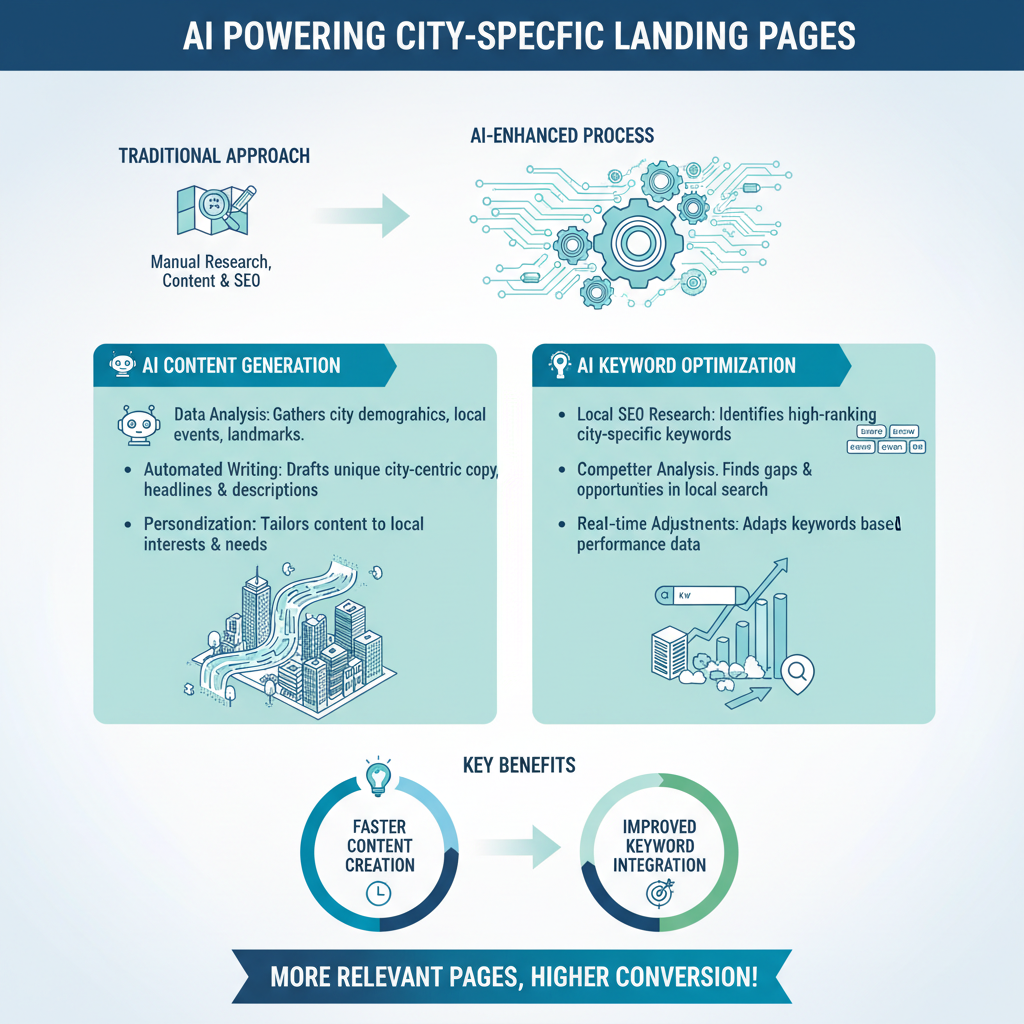
Technology now offers incredible shortcuts. Specifically, AI software can dramatically accelerate your writing process. However, you must use these platforms correctly.
Evaluating AI Tools for City-Specific Landing Pages
You cannot simply push a button and publish the raw output. Instead, you must guide the AI with highly detailed prompts. You must feed the AI specific local facts to generate accurate content. Provide the AI with neighborhood names, local zip codes, and nearby highway routes.
When you look for the right software, you must compare the options carefully. Certain AI tools for creating city-specific landing pages excel at data integration. Other tools focus heavily on natural language generation.
| AI Tool Category | Best Use Case | Key Limitation |
| Bulk Generation Software | Creating hundreds of first drafts quickly. | Often produces repetitive sentence structures. |
| NLP Optimization Tools | Ensuring your content covers vital local topics. | Requires manual writing to sound human. |
| Generative AI Chatbots | Brainstorming local angles and outlining pages. | Can hallucinate fake local landmarks. |
Top AI Tools for Creating City-Specific Landing Pages
To maximize your efficiency, you should explore specific platforms designed for SEO content. AI tools for city-specific landing pages help you overcome writer’s block. For example, you can prompt the AI to rewrite your core service descriptions to match the tone of a specific demographic.
However, always remember to edit the output. Human oversight guarantees that your content remains accurate and engaging. If you rely exclusively on machines, search engines will likely classify your site as spam.
What Are the Best Practices for Creating City-Specific Landing Pages?
To secure top rankings, you must follow proven strategies. We have compiled the essential best practices for city-specific landing pages.
Emphasize Unique Local Relevance
First, research the specific area thoroughly. You should understand what makes the local market unique. Mention local sports teams, major employers, or annual festivals. When you speak the local language, you build instant rapport with your readers.
Optimize Your Technical Elements
Second, you must execute the technical details flawlessly. Your title tags must include the target city and your primary service. Your meta descriptions should entice local searchers to click. Furthermore, ensure your URL structure remains clean and logical. Consider a structure like yourdomain.com/locations/city-name/.
According to data from Search Engine Journal, precise local signals account for a massive portion of search algorithms. Technical precision separates amateur websites from industry leaders. If you need help with this, you can always explore professional optimization solutions.
Secure Local Backlinks
Links act as votes of confidence. Therefore, you must acquire links from other businesses within the target city. Sponsor a local little league team. Join the regional chamber of commerce. Local backlinks validate your presence in a specific geographic area. Moz’s Local Search Ranking Factors continually highlight inbound links as a top driver of local visibility.
Case Focus: Optimize Local Landing Pages for Specific Belgian Cities
Let us apply these concepts to a real-world scenario. Suppose your company wants to expand into Europe. You need to optimize local landing pages for specific Belgian cities like Brussels, Antwerp, and Ghent.
First, you must recognize the linguistic differences. Brussels operates primarily in French and Dutch. Antwerp speaks Dutch almost exclusively. Therefore, your city-specific landing pages must use the correct local language. If you translate an English page into standard Dutch without considering Flemish nuances, local users will bounce immediately.
Next, you must incorporate localized pricing or offers. European consumers expect transparent, locally relevant pricing structures. Highlight how your services comply with local Belgian regulations. By tailoring your approach down to the granular cultural level, you easily outrank competitors who rely on lazy translations. If you lack the internal resources to handle regional nuances, you might want to consult expert local marketing consultants.
Actionable Steps to Improve Your Search Rankings
You now understand the theory. Consequently, you must take immediate action.
First, audit your existing local pages. Identify any pages that share more than fifty percent of the exact same text. Rewrite those pages immediately. Second, check your site navigation. Ensure users can reach your local pages within three clicks from your homepage. Third, run your pages through a mobile speed testing tool. Fix any large images or clunky scripts that slow down the loading time.
Furthermore, start gathering localized social proof. Contact past clients in your target cities and ask for reviews. Embed those specific reviews on the corresponding local pages. Social proof acts as the ultimate conversion catalyst.
Finally, track your progress. Monitor your keyword rankings and organic traffic in Google Analytics. When you see a page climbing the ranks, analyze what you did right and apply that formula to your other locations.
Key Takeaways
To dominate local search results, you must treat every target location with respect and care. Follow these core principles to ensure your city-specific landing pages perform at the highest level:
- Eliminate duplicate content: Always write unique, valuable text for every single location you target.
- Fix your site architecture: Link your local pages prominently so search engines can easily find and index them.
- Use AI responsibly: Leverage artificial intelligence to outline and draft content, but always apply human editing for accuracy and tone.
- Embed local trust signals: Include local phone numbers, neighborhood references, and city-specific customer testimonials.
- Build local authority: Actively pursue backlinks from regional directories, news outlets, and partner businesses in your target areas.
FAQs
Do I really need a landing page for every single city I serve?
You do not need a page for every tiny town or neighborhood in your service area. Creating too many pages for areas with low search demand often leads to keyword cannibalization, where your own pages compete against each other. Instead, focus on creating robust landing pages for major cities and regions that drive significant revenue. For smaller surrounding towns, you can group them into a broader regional page. This approach keeps your website architecture clean and ensures every page provides substantial value.
Will search engines penalize my site if my city pages look similar?
Yes, search algorithms aggressively filter out pages that rely on copy-paste templates with only the city name swapped out. Search engines classify these as “doorway pages” or thin content. If your local landing pages do not offer unique, location-specific value, they will not rank. To avoid this, you must write original copy for each location, highlighting specific regional challenges, local customer reviews, and unique services offered in that area.
How do I write unique content for a city where I do not have a physical office?
You can create highly relevant content from a distance by conducting thorough local research. Mention familiar landmarks, major highways, or specific neighborhood characteristics. Discuss how local climate or regional regulations impact the services you provide there. You can also feature reviews from clients who live in that specific area. When you speak the local language and understand community nuances, you build immediate trust with local visitors.
Should I put all my local landing pages in the website footer?
Stuffing dozens of city links into your footer provides a poor user experience and signals low value to search engines. Instead, you should integrate your local pages naturally into your site’s primary navigation. Create a dedicated “Areas We Serve” hub page in your main menu. From that hub, link out to your specific city landing pages. This structure helps search engine crawlers find your pages easily and guides potential customers smoothly to the information they need.
What exactly is local schema markup, and why do my pages need it?
Local schema markup is a type of background code you add to your website. It translates your business information into a language that search engines understand perfectly. When you apply Local Business schema to a city-specific page, you explicitly tell search algorithms your service area, operating hours, and contact details. Without this code, you force search engines to guess your local relevance, which often results in lower rankings.
Can I use a single Google Business Profile to rank all my city pages?
A Google Business Profile primarily helps you rank in the Google Map Pack for the specific city where you have a verified physical address. It will not magically make you rank in the Map Pack for surrounding cities. However, well-optimized city-specific landing pages help you capture organic search traffic in those surrounding areas. You use your location pages to capture the standard search results when your business address is too far away to trigger the Map Pack.
Is it safe to use AI tools to generate 50 city pages at once?
Relying on software to instantly bulk-generate dozens of local pages is a dangerous strategy. While AI tools excel at brainstorming and outlining, raw AI output often sounds robotic and can even invent fake local landmarks. If you publish unedited AI content at scale, search engines will likely flag your site for spam. You should use AI to speed up your drafting process, but a human must always edit the final copy to ensure accuracy, proper tone, and genuine local relevance.
Why are visitors leaving my city page without contacting me?
High bounce rates usually point to a weak user experience or a lack of local trust signals. If your page loads slowly on mobile devices, users will leave instantly. Additionally, if the page looks like a generic corporate template without any local flavor, visitors will not feel a connection. To boost conversions, embed a localized Google Map, display a local phone number, and feature photos of your team working in that exact city.
What should I do if a target city has very low search volume?
When keyword research shows that a specific town has almost zero search volume, do not waste resources building a standalone page for it. Instead, include that town in a broader “County” or “Metro Area” landing page. By consolidating your efforts, you build one highly authoritative page that can rank for multiple long-tail keywords across a wider geographic area.
How long does it take for a new city-specific landing page to rank?
Search engine optimization requires patience. A new local landing page typically takes anywhere from three to six months to gain solid traction in organic search results. The timeline depends heavily on the authority of your overall website, the competitiveness of your industry in that specific city, and how well you executed your internal linking. You can speed up this process by acquiring local backlinks and driving immediate traffic to the page through social media or email campaigns.